Win the job with a professional estimate
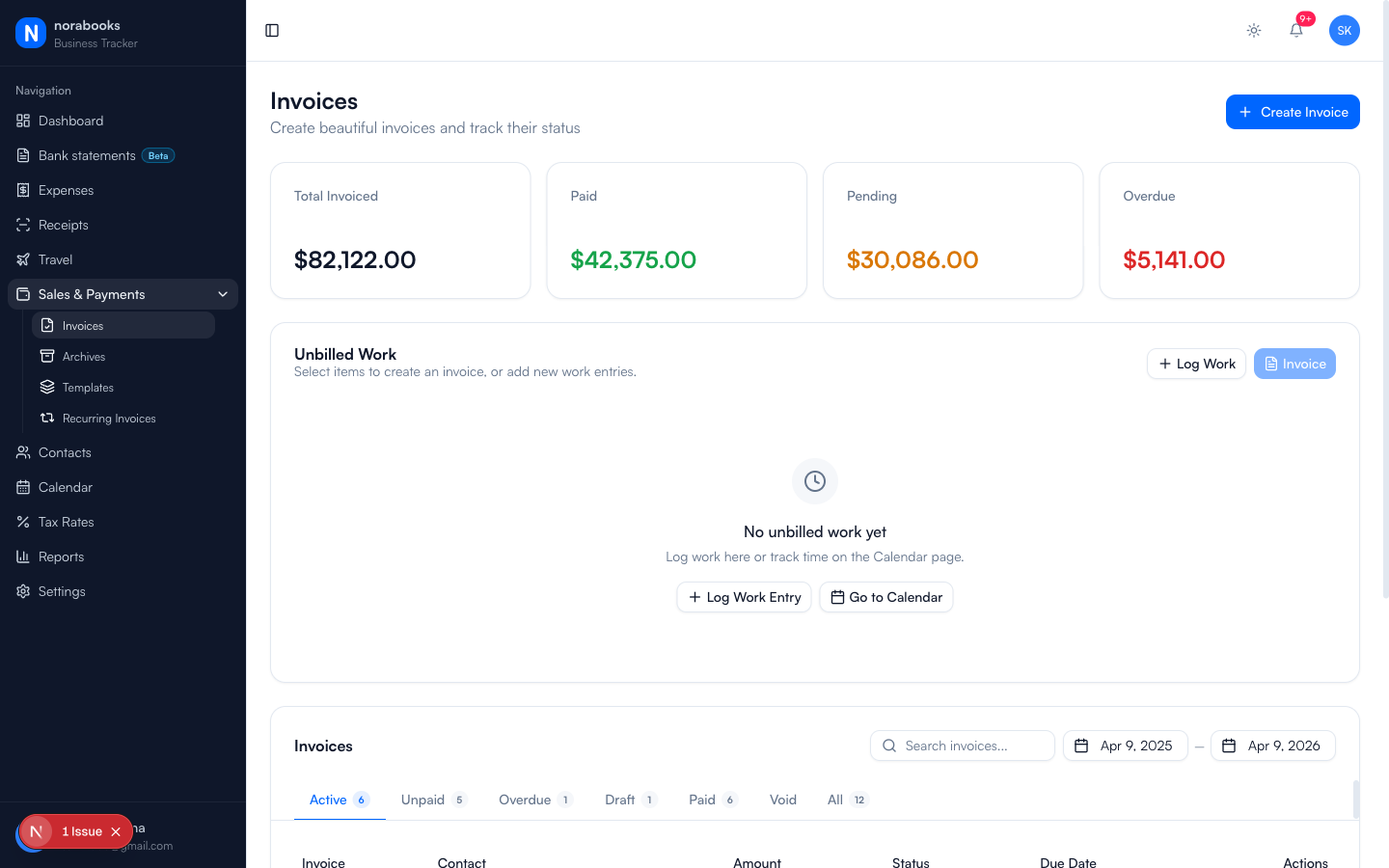
Create polished estimates in minutes. When the client says yes, convert to an invoice with one click. No retyping, no mistakes.
Why freelancers use norabooks for estimates
Professional in seconds
Same clean layout as your invoices. Your estimates look polished and consistent, building client trust before the work begins.
Convert to invoice instantly
Client approved the estimate? One click turns it into an invoice. All line items, tax, and contact details carry over.
Track estimate status
See which estimates are pending, accepted, or declined. Follow up on the ones that matter.
Estimates that match your invoices
Your estimates use the same template as your invoices. Same branding, same professionalism. When the estimate converts, the client sees a consistent experience.
- Same template as your invoices
- Your business name, logo, and details
- Line items with quantities and rates
One-click conversion to invoice
When the client says yes, click "Convert to Invoice." Everything transfers: line items, tax calculations, contact details. Send the invoice immediately or save as draft.
- All line items transfer automatically
- Tax recalculated at current rates
- Original estimate preserved for records
Tax included from the start
Estimates include the correct GST/HST/PST based on your province and your client's location. No surprises when the invoice arrives.
- Province-based tax calculation
- Tax shown clearly on estimate
- Client sees the full cost upfront
What freelancers are saying
“My close rate went up after I started sending norabooks estimates instead of email quotes. They just look more professional.”
Tyler Brooks
Photographer, Winnipeg, MB
“The one-click convert to invoice is genius. I used to retype everything and always made mistakes.”
Sarah Mitchell
Event Planner, Victoria, BC
“Clients appreciate seeing the tax breakdown upfront. No awkward conversations when the invoice arrives.”
Raj Patel
Home Inspector, Brampton, ON
“My close rate went up after I started sending norabooks estimates instead of email quotes. They just look more professional.”
Tyler Brooks
Photographer, Winnipeg, MB
From the blog
Estimates vs Quotes vs Proposals: What's the Difference?
When to use each, and how to make sure you're protected legally.
BusinessHow to Price Your Freelance Services in Canada
Hourly vs project rates, market research, and the confidence to charge what you're worth.
Business5 Estimate Mistakes That Cost You the Job
Common errors that make clients choose someone else, and how to fix them.
Frequently asked questions
Yes. Estimates are included in your $9 CAD/month plan with no limits.
Estimates use the same template as your invoices, including your business name, logo, and contact details.
The original estimate is preserved with "Converted" status. The new invoice links back to the original estimate for your records.
Yes. Send estimates as professional PDF attachments directly from norabooks, just like invoices.
Yes. Duplicate any estimate to create a new one with the same line items. Useful for similar projects or revised quotes.
Yes. Estimates calculate GST/HST/PST based on your province and your client's location, exactly like invoices.
Ready to take control of your finances?
Try norabooks free for 7 days. Then $9 CAD/month. Cancel anytime.