Never lose a receipt again
Snap a photo, and norabooks reads it. Vendor, amount, date, and tax extracted automatically. Linked to your expenses and ready for tax time.
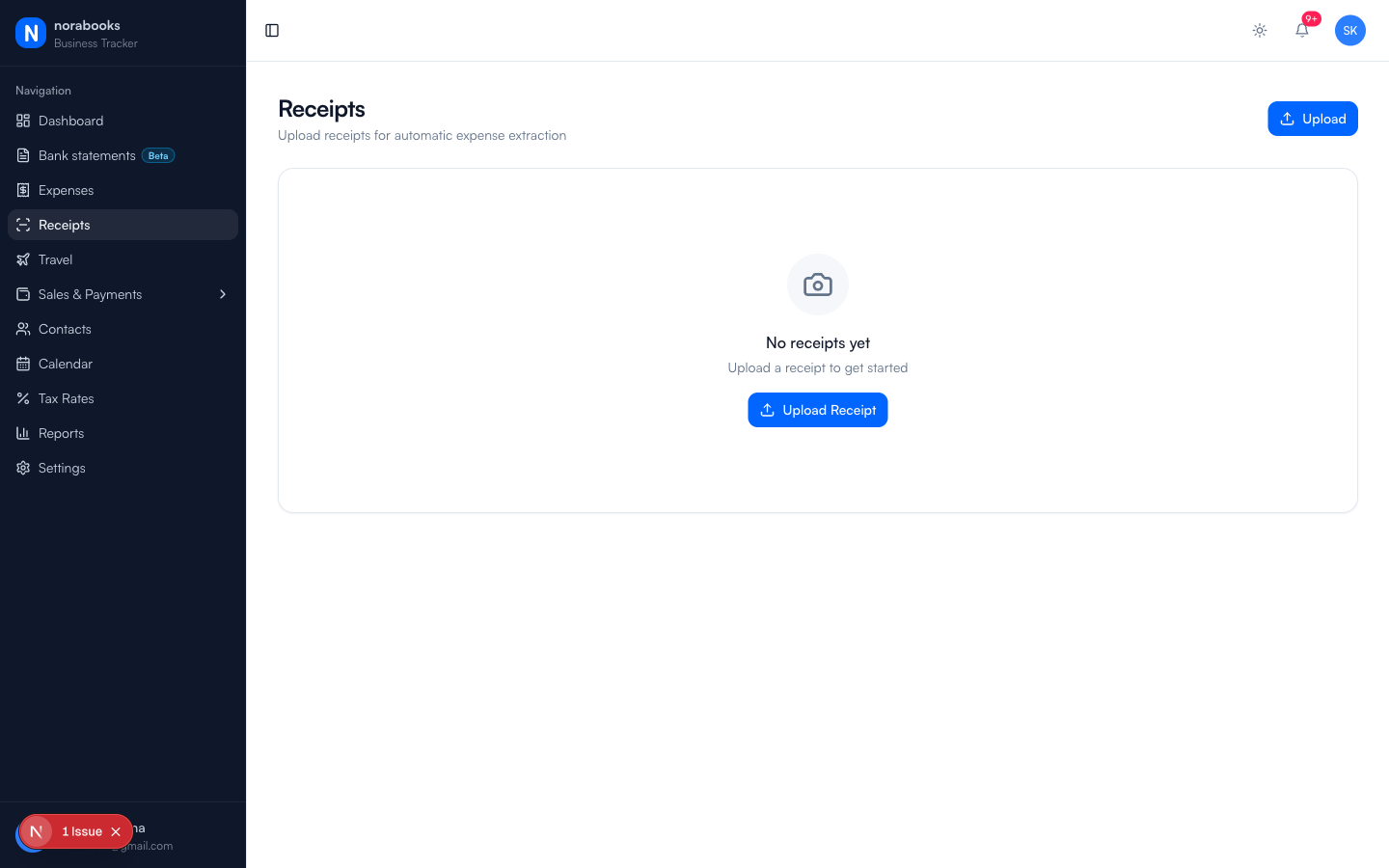
Receipts, simplified
Snap and forget
Take a photo of any receipt. norabooks stores it securely and extracts the key information automatically.
OCR extraction
Vendor name, total amount, date, and tax are pulled from the receipt image. Review and confirm in seconds.
Linked to expenses
Every receipt connects to an expense record. Your accountant gets the full picture: the transaction and the proof.
From photo to record in seconds
Upload a receipt photo and norabooks' OCR reads it immediately. Vendor name, total, date, and tax amount appear for your review. Confirm and it's stored permanently.
- Supports JPEG, PNG, and PDF uploads
- OCR powered by AWS Rekognition
- Edit extracted values if needed
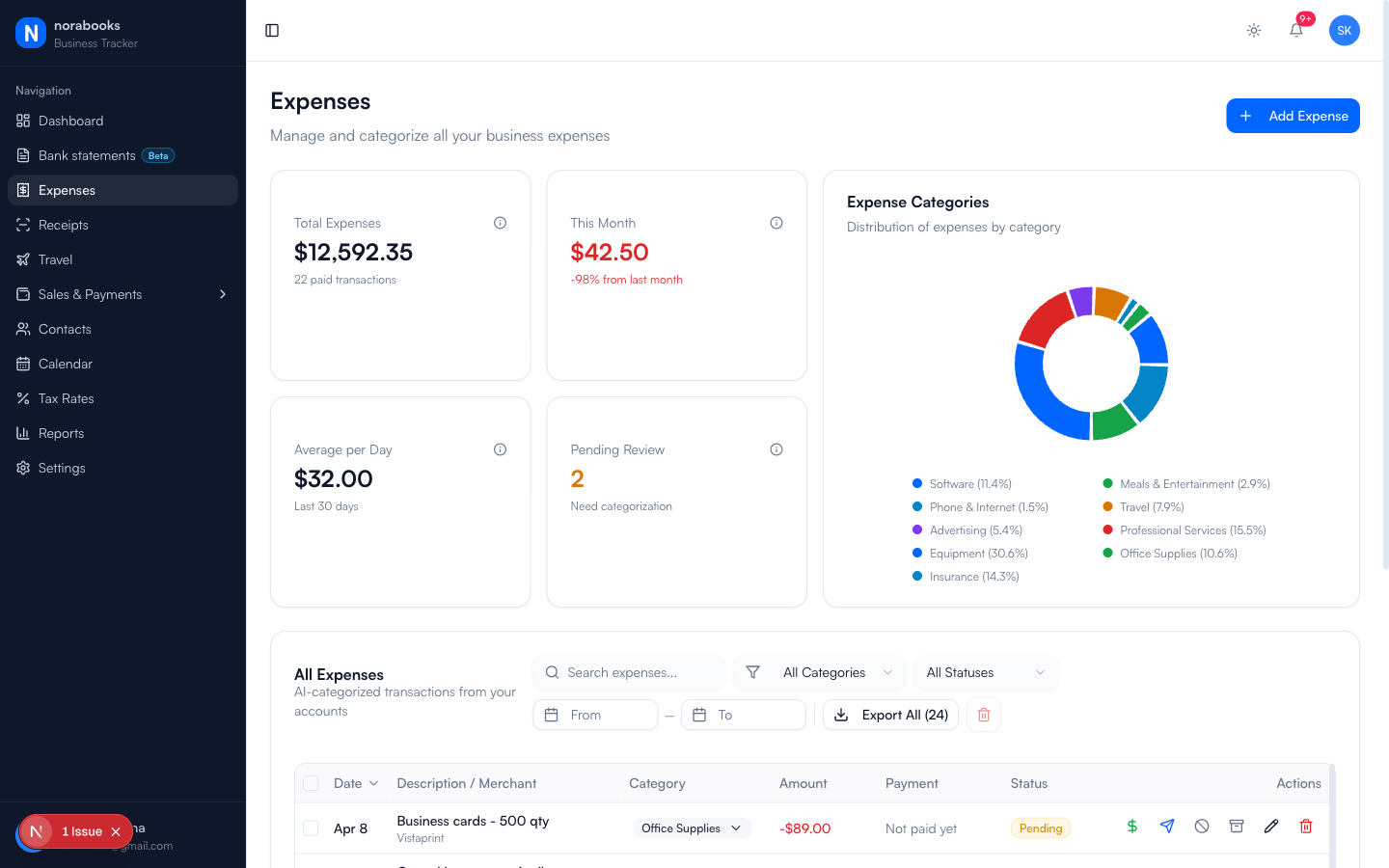
Organized and searchable
Find any receipt by vendor, date, or amount. Filter by status: pending review, matched to expense, or standalone. No more digging through folders.
- Search by vendor or amount
- Filter by date range and status
- Bulk upload for catch-up sessions
CRA-ready documentation
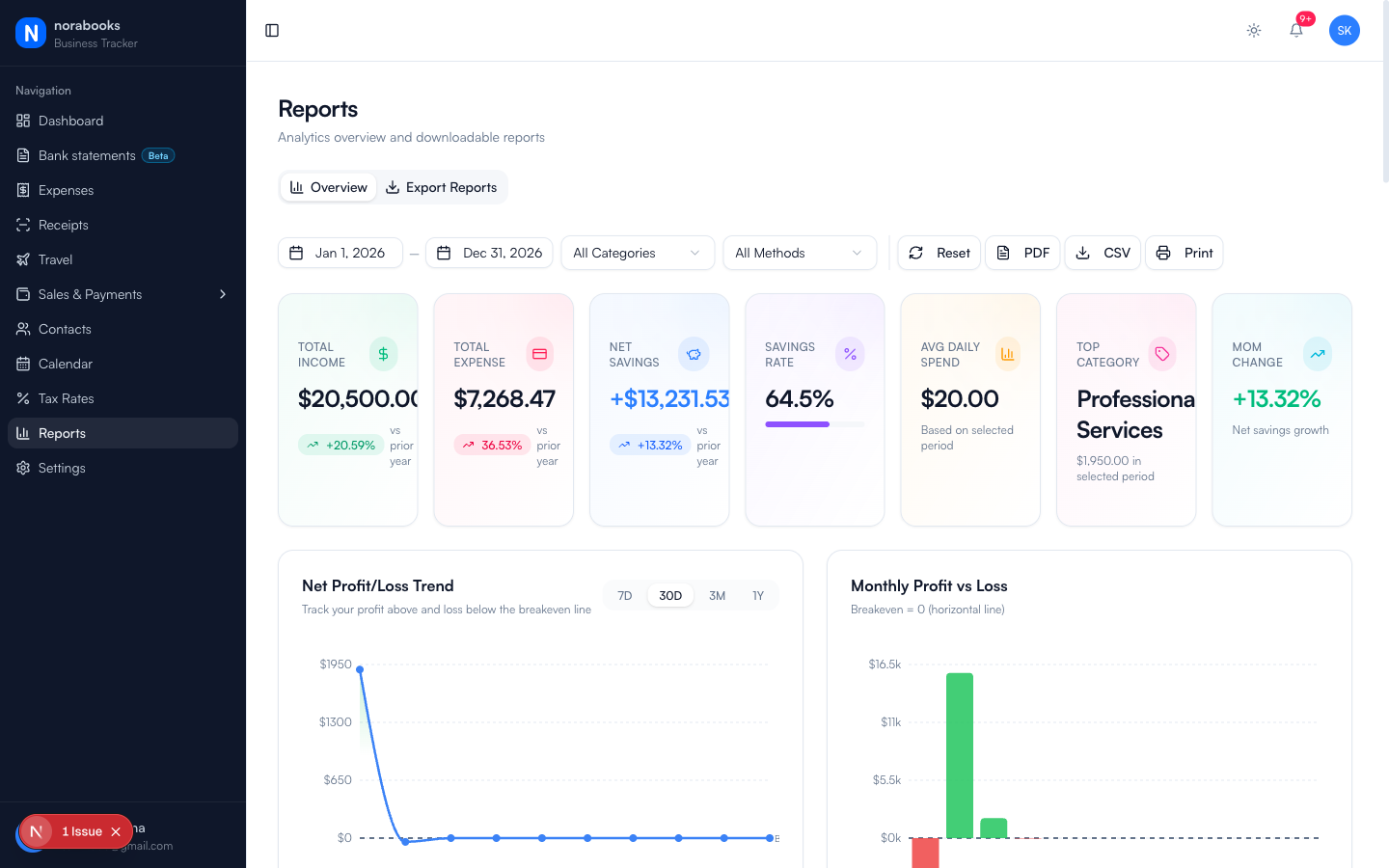
The CRA requires you to keep receipts for 6 years. norabooks stores the original images alongside extracted data, giving you both the proof and the organized record.
- Original images stored securely
- Linked to expense and tax records
- Export receipt bundles for audits
What freelancers are saying
“I used to have a drawer full of crumpled receipts. Now I snap a photo right when I make a purchase and it's done.”
Kevin O'Brien
Freelance Videographer, Halifax, NS
“The OCR is surprisingly accurate. It reads handwritten receipts from small shops better than I expected.”
Yuki Tanaka
Event Planner, Vancouver, BC
“My accountant asked where I keep my receipts. I showed her norabooks and she signed up for her other clients.”
Fatima Hassan
Interior Designer, Toronto, ON
“I used to have a drawer full of crumpled receipts. Now I snap a photo right when I make a purchase and it's done.”
Kevin O'Brien
Freelance Videographer, Halifax, NS
From the blog
Receipt Scanning Apps vs. Manual Entry: A Real Comparison
We tested both approaches for 3 months. The time savings might surprise you.
Tax TipsHow Long Do You Need to Keep Business Receipts in Canada?
CRA rules on receipt retention, and how digital storage counts as valid documentation.
ProductivityThe Best Way to Organize Business Receipts
Folders, apps, and envelopes. What actually works for solo businesses.
Frequently asked questions
JPEG, PNG, and PDF. Most phone camera photos work perfectly.
Very accurate for printed receipts. Handwritten receipts work too, though you may need to correct a field or two. You can always edit the extracted values.
Yes. Upload from any device: phone camera, desktop file picker, or drag and drop.
Yes. All images are encrypted at rest in AWS S3 and accessible only to your account. They're never shared or used for training.
Yes. From any expense record, you can attach a receipt. Or from a receipt, you can create a new expense with the extracted data pre-filled.
No. Your $9 CAD/month plan includes unlimited receipt storage.
Ready to take control of your finances?
Try norabooks free for 7 days. Then $9 CAD/month. Cancel anytime.